Lock screen and desktop
A big clock, the date, one hint; a click raises the login card. Inside: a menu bar, wallpaper, the dock and up to four free windows.
Hoop Matrix
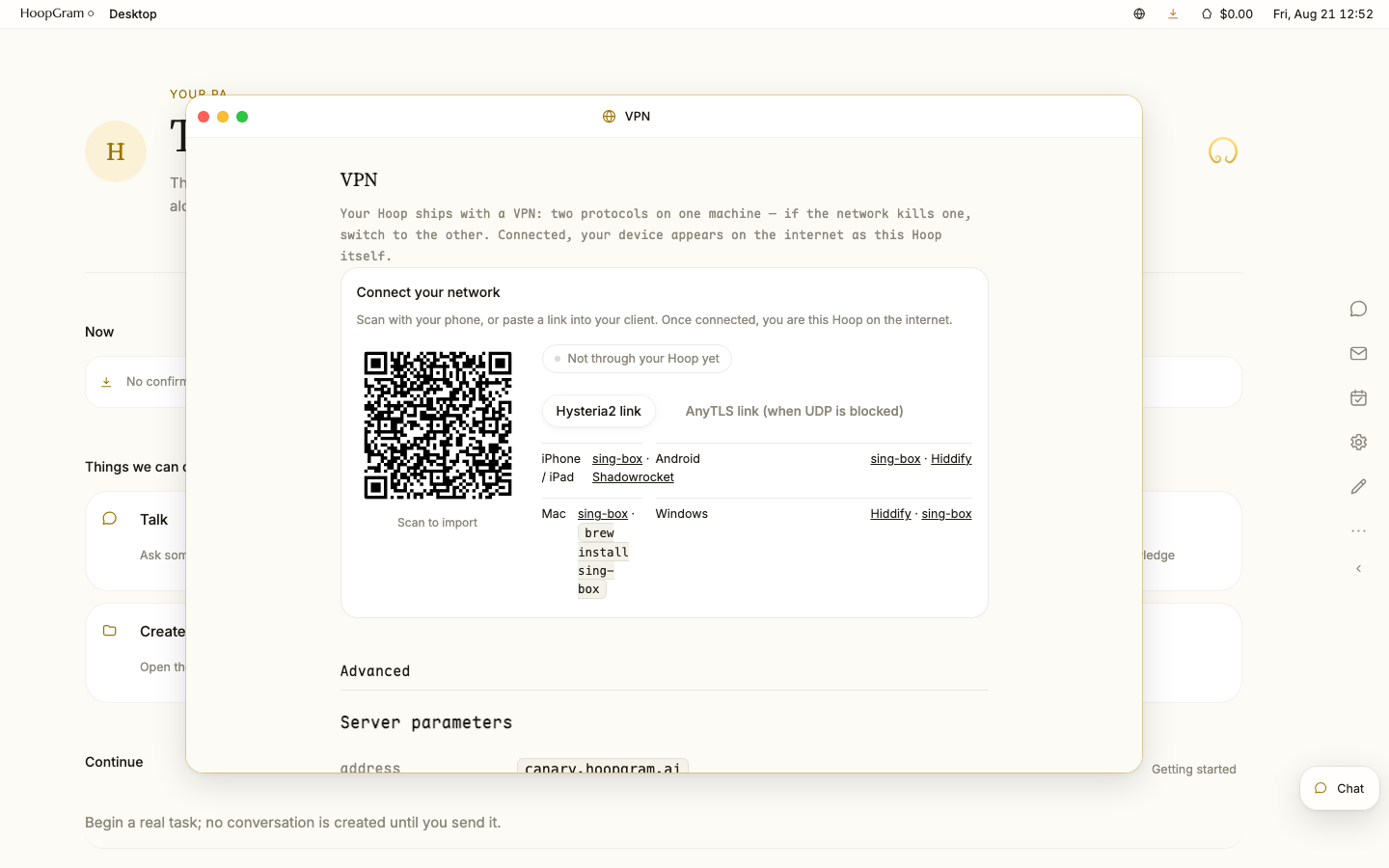
A lock screen at the door, a desktop inside: windows with three lights, a Finder for files, settings like System Settings, a pod that installs Linux software.
A big clock, the date, one hint; a click raises the login card. Inside: a menu bar, wallpaper, the dock and up to four free windows.
Close, minimize, zoom — one window chrome for every App; minimized windows wait in the tray.
Sidebar, grid and list, Quick Look, Get Info, drag and drop, a trash with a 10-second undo. Get Info tells you whether a file is in the backup.
About This Hoop, storage, appearance, notifications, desktop and dock, permission ladders, privacy and security — every item with a real data source.
A small Debian 12 computer inside the Hoop: download a .deb, an AppImage or a tar.gz and use it; it cannot reach your keys.
Your AI opens windows, launches Apps, installs software in the pod — as if at the keyboard; money, identity and keys stay behind hard gates.
Three themes, two languages, and just as good on a phone.